Content that knows what you sell.
Your products, audience and brand voice guide the writing. Explain the choices shoppers are making with knowledge from your business.
Explore the workflowPostomatic + Shopify
Give shoppers useful answers before they choose. Turn your product knowledge and customer questions into buying guides, comparisons and articles published to your Shopify blog.
7 days free. 3 articles included.With Launch & Growth

 Shop / Journal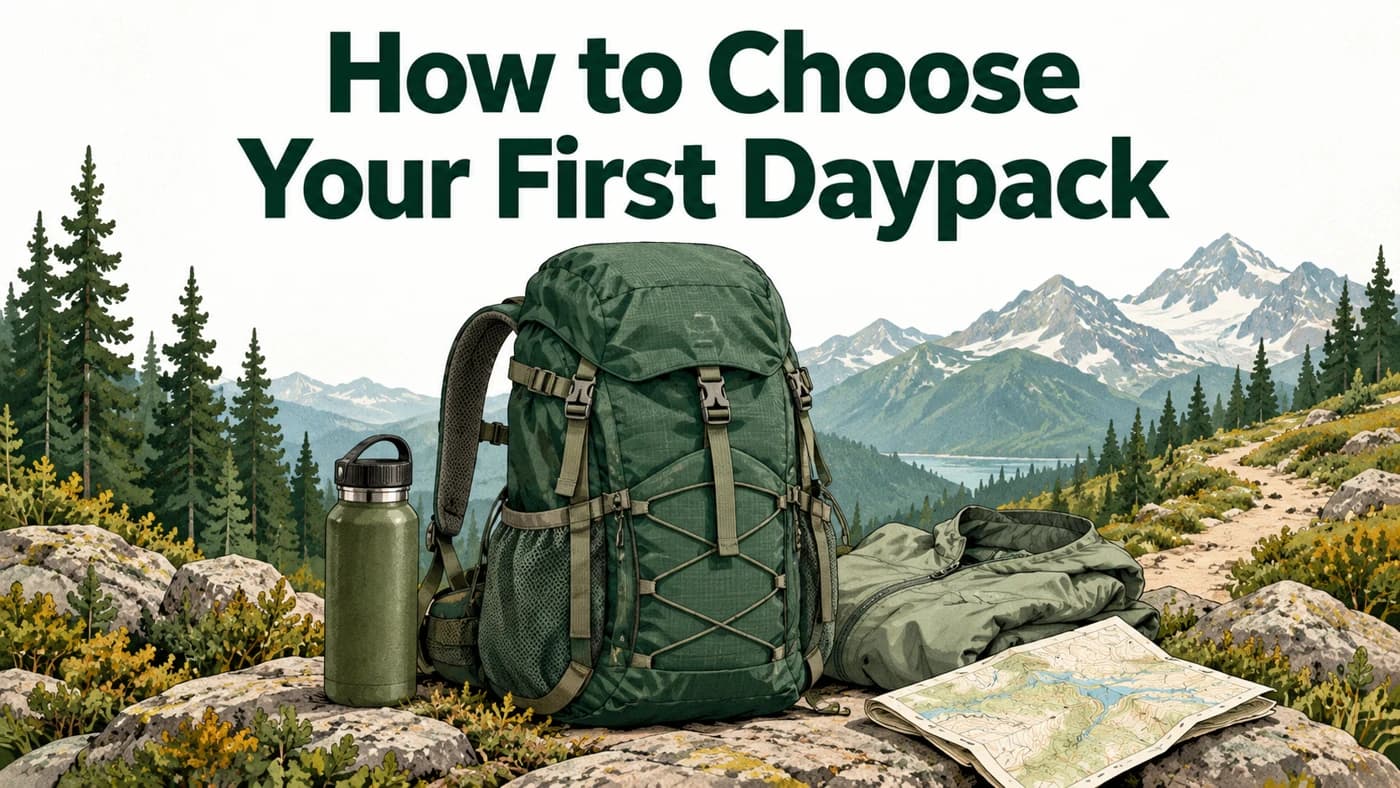
Find the right fit, choose the capacity you need, and pack for the trail ahead.
Useful before the checkout
Your product pages show what you sell. Your blog can answer the questions that bring shoppers to it.
Your products, audience and brand voice guide the writing. Explain the choices shoppers are making with knowledge from your business.
Explore the workflowHelp someone understand their options, compare the differences or choose the right fit. Turn customer questions into guides with a clear purpose.
Publish formatted content with images, links, excerpts, SEO titles and meta descriptions. Everything lands in the Shopify blog you choose.
Set a publishing rhythm in Postomatic. Schedule new articles and update the posts you’ve published through the connection.
A direct connection to your Shopify blog. Choose where articles go and how they fit your schedule.
Choose Shopify in your publishing settings. Enter your store address and approve article and image publishing access in Shopify.
Select an existing blog and the author name you want on your articles.
Choose your publishing schedule. New articles go to your store’s blog, alongside the products you sell.
Publish. Learn. Refine.
Connect Google Search Console to see the queries, impressions and clicks behind your store’s content. Bring that evidence into your next topic and the guides you improve.
See the learning loopYour setup, explained
Articles publish to the Shopify blog you select when connecting. They live on your storefront alongside your existing store. You can use an existing blog, and your theme controls how its posts appear.
Choose Shopify in your publishing settings and enter your permanent store-name.myshopify.com address. Approve article and image publishing access in Shopify, then return to Postomatic to choose your blog and article author.
Yes. Postomatic sends formatted HTML to Shopify’s native blog editor. You can open the article in Shopify to edit its content, featured image and search listing.
Yes. Set your publishing rhythm in Postomatic. New articles can be scheduled for a future date, and articles published through the connection can be updated on the same Shopify post.
The publishing connection sends articles to your selected blog. Your existing storefront design and product pages stay in place. Theme enhancement is optional; it is not required for the core blog-publishing connection.
The article package includes formatted content, images and alt text, links, an excerpt, an SEO title and a meta description. Images are uploaded through the Shopify publishing connection, and the article’s search fields are sent with the post.
Your products. Their next answer.
7 days free. 3 articles included with Launch & Growth.
 Search Console